Turn Handwritten & Scanned Documents into Perfect Word Files in Seconds.
AI-powered OCR that converts messy handwritten or scanned documents into fully editable Word files while preserving original formatting.
No signup required • Files deleted automatically • Handles messy handwriting
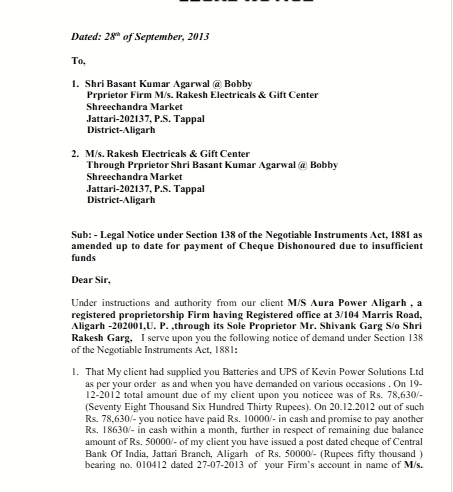
Ready for official use
From handwritten input to publication-ready documents
Clean, structured Word files — formatted for official use
Job Application Form
Full Name: Emily Johnson
Phone: (555) 123-4567
Position: Office Assistant
Date: March 3, 2025
Employment History:
Hard to read · No digital copy · Can't be shared or edited
Job Application
Full Name: Emily Johnson
Phone: (555) 123-4567
Position Applied For: Office Assistant
Date: March 3, 2025
Employment History
| Date Range | Employer | Position |
|---|---|---|
| 05/2020 – 08/2022 | ABC Company | Receptionist |
Signature
Date
Fully editable · Formatting preserved · Ready for official use
How it works
A simple, reliable process for converting handwritten documents into clean, editable Word files
Upload your document
JPG, PNG, or PDF files supported
Text is extracted accurately
Printed and handwritten text recognized
Content is structured
Layout, tables, and form fields preserved
Download an editable Word file
Works with Microsoft Word and Google Docs
Who uses this?
Used for forms, applications, and official records across industries
HR & Administration
Convert handwritten applications, onboarding forms, internal records, and compliance paperwork into clean, editable Word documents.
Institutions & Records Teams
Digitize handwritten or scanned forms, questionnaires, and official documents while preserving structure, tables, and accuracy.
Professionals & Individuals
Prepare clean documents from handwritten notes, meeting records, and personal paperwork for easy editing and submission.
Start converting your documents
Upload documentNo signup • Files deleted automatically • Secure processing